

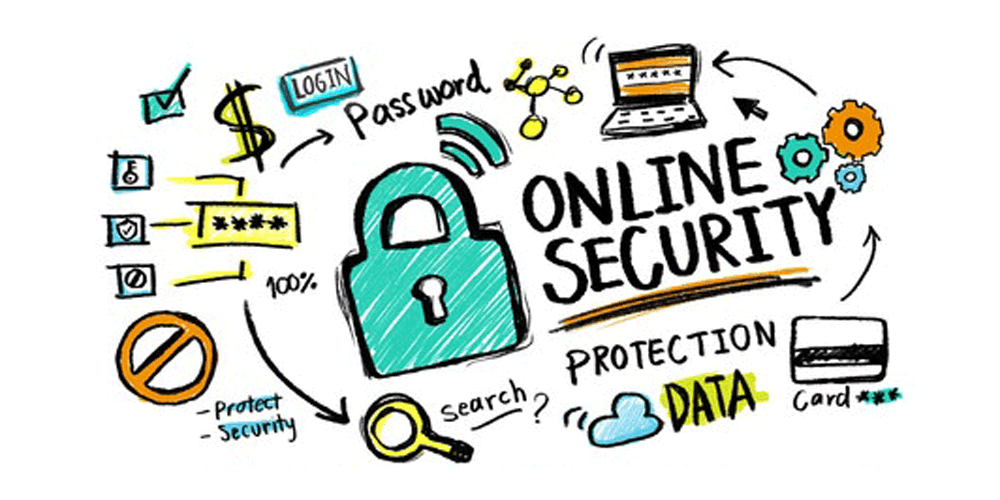
Protecting your personal data online means keeping your information safe from hackers, scammers, and companies that might misuse it. Here’s how to do that step by step:
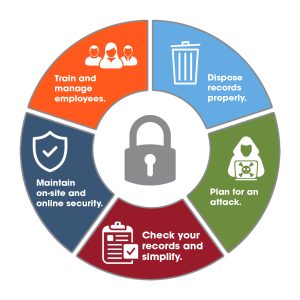
1. Create Strong, Unique Passwords
- Use at least 12 characters with letters, numbers, and symbols.
- Avoid using the same password across different sites.
- Store passwords in a secure password manager.
2. Turn On Two-Factor Authentication (2FA)
- Add a second layer of security to your logins.
- Use an app like Google Authenticator or receive codes via SMS.
- Enable 2FA in the security settings of your accounts.
3. Limit What You Share Online
- Avoid posting personal details like birthdates or locations.
- Think before sharing photos or documents publicly.
- Keep sensitive information private on social media.
4. Watch Out for Phishing Scams
- Don’t click on links from unknown or suspicious emails.
- Check the sender’s email address carefully.
- Avoid entering login info through unexpected messages.
5. Keep Software Up to Date
- Install updates for your apps, operating system, and antivirus.
- Turn on automatic updates when available.
- Patch security holes before they’re exploited.
6. Use Safe and Private Internet Connections
- Avoid logging into sensitive accounts on public Wi-Fi.
- Use a VPN (Virtual Private Network) on unsecured networks.
- Choose encrypted websites (those that start with HTTPS).
7. Manage App Permissions
- Only allow apps to access what they truly need.
- Review and change permissions in your device settings.
- Uninstall apps you don’t use.
8. Control Your Online Tracking
- Use browser extensions to block ads and trackers (e.g., Privacy Badger).
- Adjust privacy settings on platforms like Google and Facebook.
- Regularly clear cookies and browsing data.
9. Back Up Your Data
- Save copies of important files to cloud storage or external drives.
- Set up automatic backups if possible.
- Ensure backups are also protected.
10. Stay Informed About Online Threats
- Follow trusted sources for cybersecurity news.
- Learn how to recognize new types of scams and attacks.
- Keep improving your digital habits.
🛡️ Summary: Useful Tools
| Tool | Purpose |
| Password Manager | Stores complex passwords securely |
| 2FA App | Adds extra protection to your accounts |
| VPN | Secures your internet connection |
| Privacy Extensions | Blocks ads and trackers |
| Backup Service | Protects your files from loss or theft |





















Good
Keep up the good work