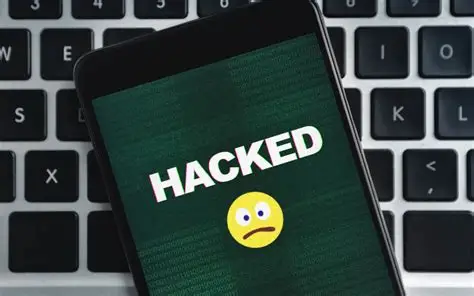
A hacked account means someone got into your email, social media, bank, or other account without your permission. They may steal your information, take your money, or use your account to scam other people.
Here are clear signs to look for and what you can do if you think your account was hacked.
Signs Your Account Might Be Hacked
-
You can’t log in
- You try to sign in, but your password doesn’t work.
- You didn’t change the password.
This often means someone changed your password and locked you out.
-
You receive alerts or emails about unusual activity
- You get a message saying:
- “Someone tried to log in from a new device.”
- “Your password has been changed.”
- “We noticed suspicious activity.”
- You didn’t do any of these actions.
These messages are warnings that your account may be at risk.
-
Your friends get strange messages from you
- People say you sent them spam or suspicious links.
- You didn’t send anything.
Hackers often use your account to scam your contacts.
-
You see changes you didn’t make
- There are new posts, messages, or changes in your settings.
- There are purchases or transactions you don’t recognize.
This shows someone else may be using your account.
-
Your account or device behaves strangely
- You are logged out of all your devices.
- Apps or settings have changed without your action.
- The account loads slowly or acts oddly.
This could mean someone installed malware or accessed your account.
What To Do If You Think You’ve Been Hacked
1. Change your password
- Make a new, strong password that’s different from your old one.
- Don’t reuse the same password on other sites.
2. Log out of all devices
- Use your account settings to sign out everywhere.
- This helps remove any hacker still logged in.
3. Turn on two-factor authentication (2FA)
- Add an extra layer of security to protect your account.
- You’ll be asked for a code when logging in.
4. Check your account settings
- Look for changes to your phone number, recovery email, or login devices.
- Remove anything suspicious.
5. Scan your device for viruses
- Use antivirus software to check for malware or harmful software.
6. Contact customer support
- Use the “Forgot Password” or “Recover Account” option if you’re locked out.
- Contact the support team for help.
How to recover your hacked email account: step by step guide
What to do if your social media has been hacked
Recover your face book if you think your facebook account has been hacked