

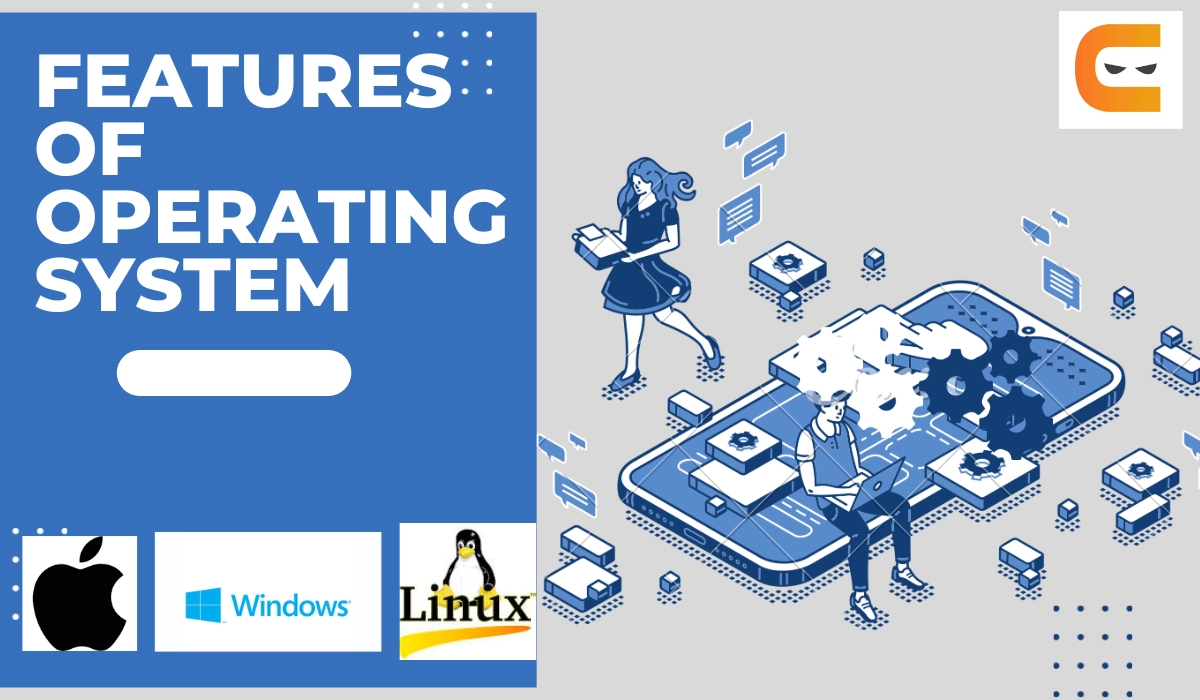
What is operating system? Learn the meaning and main features of operating system in simple, friendly language for beginners.
What Is Operating System and Features of Operating System?
Let’s be honest — computers can feel confusing, right? But here’s the good news: once you understand what is operating system, everything else starts to make sense. Think of this as a simple, friendly guide to help anyone (even a 4th grader!) understand how computers really work.
What Is Operating System? (Simple, human meaning)
An operating system (OS) is basically the “heart” of a computer. It’s the thing that wakes up first when you turn the computer on, and it helps everything work together.
Imagine your computer is like a busy house. The operating system is the parent in the home — making sure the lights are on, food is ready, and everyone knows what they’re supposed to do.
Without an OS… your computer would just sit there like a box with no brain.
Some popular operating systems you might already know:
- Windows
- macOS
- Linux
- Android
- iOS
So, if someone asks “what is operating system?” you can say:
👉 It’s the main software that helps your computer run and lets you use apps, files, and the internet.
Why Is an Operating System Important?
Well, think about it. You want to open photos, watch videos, type documents, or even play games. The OS helps your computer do all these things smoothly without crashing or getting confused.
It’s the real MVP behind the scenes.
Features of Operating System (Explained in a human way)
Now let’s look at the features of operating system, but let’s keep it super simple, okay?
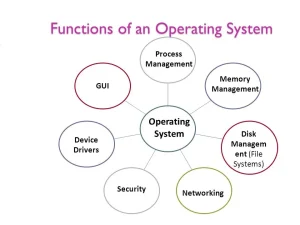
- File Management (Your digital organizer)
The OS keeps your files neat and safe — like a school bag that helps you keep books, pens, and homework in the right pocket.
- Memory Management (Making sure no app misbehaves)
Your computer has memory (RAM), and the OS decides how much each app gets. It’s like giving everyone in a group their own chair so no one fights.
- Process Management (Handling many tasks at once)
Every app is a job. The OS is the manager who gives each job time to work. That’s why your computer can play music while you type.
- Device Management (Talking to hardware)
Keyboard, mouse, printer, speakers — all these gadgets need a translator. The OS speaks to all of them and keeps everything working smoothly.
- Security (Protecting your computer)
A big feature of operating system is keeping your data safe. Passwords, updates, firewalls — all that boring but important stuff is handled by the OS.
- User Interface (What you see on your screen)
This is the icons, windows, and menus you click every day. The OS makes your computer easy to use without needing to type scary computer codes.
- Networking (Helping you go online)
Wi-Fi, internet, file sharing — the OS does all the heavy lifting in the background so you can browse, watch, and download without thinking too much.
Final Thoughts
So, now you can clearly explain what is operating system to anyone!
It’s the main software that runs the whole computer and makes everything possible.
And the features of operating system show how powerful it is:
It manages files, memory, devices, apps, security, and even your internet connection.
In short, your computer works because your OS works.
Pretty cool, right?
3 True External Links You Can Use
- Microsoft Windows: https://www.microsoft.com/en-us/windows
- Apple macOS: https://www.apple.com/macos
- Linux Information: https://www.linux.org

















https://shorturl.fm/SWRsO
https://shorturl.fm/WiQ3z
https://shorturl.fm/HvPQ7
https://shorturl.fm/KM7gi