

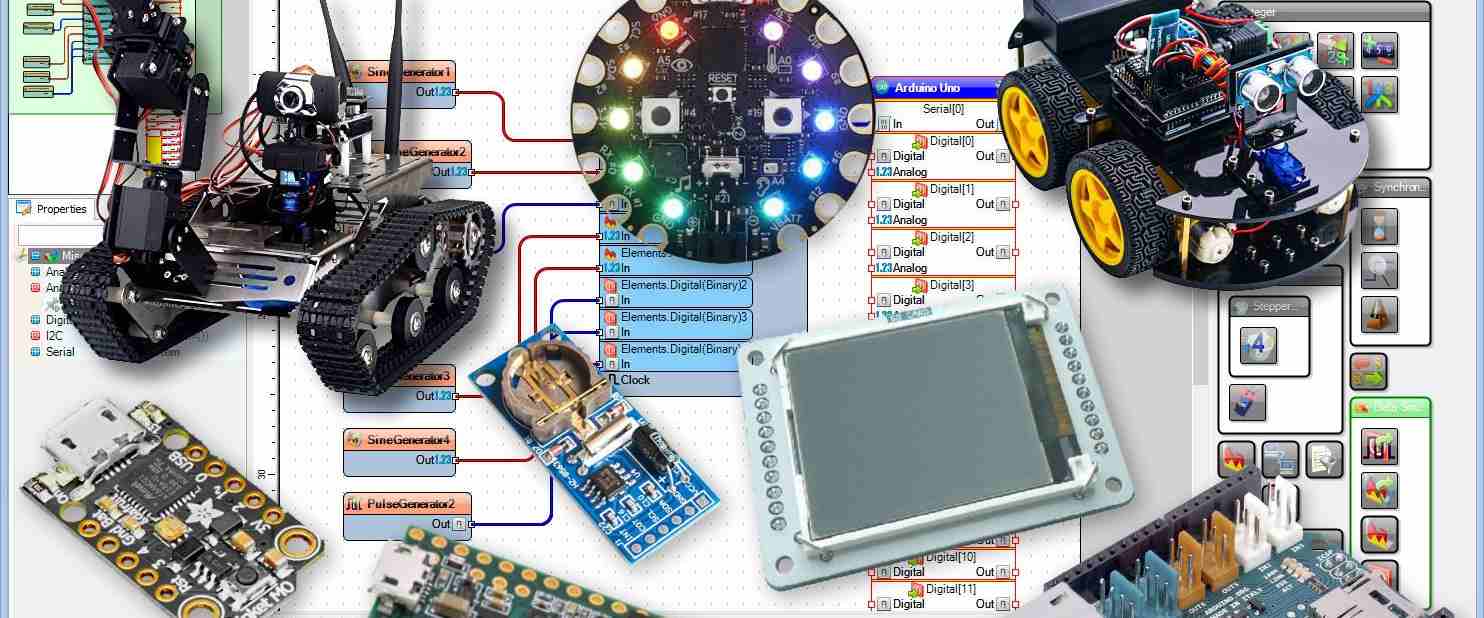
Making Magic with the Arduino IDE (Integrated Development Environment)
The Arduino IDE (Integrated Development Environment) is a fun, easy way for beginners to write code and build their very own robots and gadgets!
Have you ever looked at a cool robot or a light that changes colors and wondered, “How does that actually work?” It all starts with a little bit of computer magic called the Arduino IDE (Integrated Development Environment).
Think of an Arduino board like a tiny, talented brain. But even a brain needs to be told what to do! That’s where the Arduino IDE comes in. It’s a special place on your computer where you write down your ideas, and then “send” them to your robot. It’s like writing a letter to a friend, but your friend is a piece of hardware that can move, beep, or glow!
Why Kids and Pros Love the Arduino IDE (Integrated Development Environment)
The best part about the Arduino IDE (Integrated Development Environment) is that it isn’t just for grumpy scientists in white coats. It’s built for everyone. Even if you’ve never written a single line of code before, it feels like using a simple notepad.
Because the Arduino IDE is so popular, there is a massive community of “makers” out there. If you want to build a cat feeder or a weather station, someone has probably already shared a project to help you get started. It’s like having a giant team of friends all around the world helping you build your dreams.
Your First Project in the Arduino IDE (Integrated Development Environment)
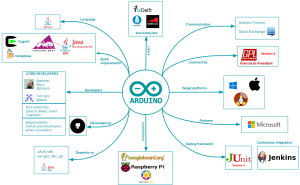
Ready to try it? Using the Arduino IDE (Integrated Development Environment) is actually a lot of fun. Once you open the app, you’ll see a clean screen waiting for your big ideas.
-
Step 1: The Sketch. In the Arduino IDE, we call our programs “sketches.” It’s a creative way to think about coding!
-
Step 2: Checking Your Work. If you forget a semicolon or make a typo, the Arduino IDE will highlight it for you. It’s like having a teacher gently pointing out a spelling mistake before you turn in your homework.
-
Step 3: The Big Moment. You click the “Upload” button, and—poof—your code travels through a cable and into your Arduino. Watching your first light blink is a feeling you’ll never forget!
Cool Tools Inside the Arduino IDE (Integrated Development Environment)
One of my favorite things about the Arduino IDE (Integrated Development Environment) is the “Library Manager.” Imagine you want to build a project with a tiny screen, but you don’t know the math to make it show words.
Inside the Arduino IDE, you can just “check out” a library (just like at a real library!) that has all the hard instructions already written for you. This lets you focus on the fun part: being an inventor. It’s professional enough for real engineers, but easy enough for a 4th grader to master in an afternoon.
Why the Arduino IDE (Integrated Development Environment) is Your Secret Weapon
Learning the Arduino IDE (Integrated Development Environment) is like learning a superpower. You stop being someone who just uses technology and start being someone who creates it.
Whether you are building a smart alarm for your bedroom or just playing around with sensors, the Arduino IDE is the best partner you could ask for. It turns “I wish I could make that” into “I just made that!” and that is the coolest feeling in the world.
Helpful External Links:
Top Five Football Players in the World 2026 | Best Players Today
Top Five Football Players in the World 2026 | Best Players Today


















 is a fun, easy way for beginners to write code and build their very own robots and)
Your First Project in the Arduino IDE (Integrated Development Environment)
Promote our products—get paid for every sale you generate!