
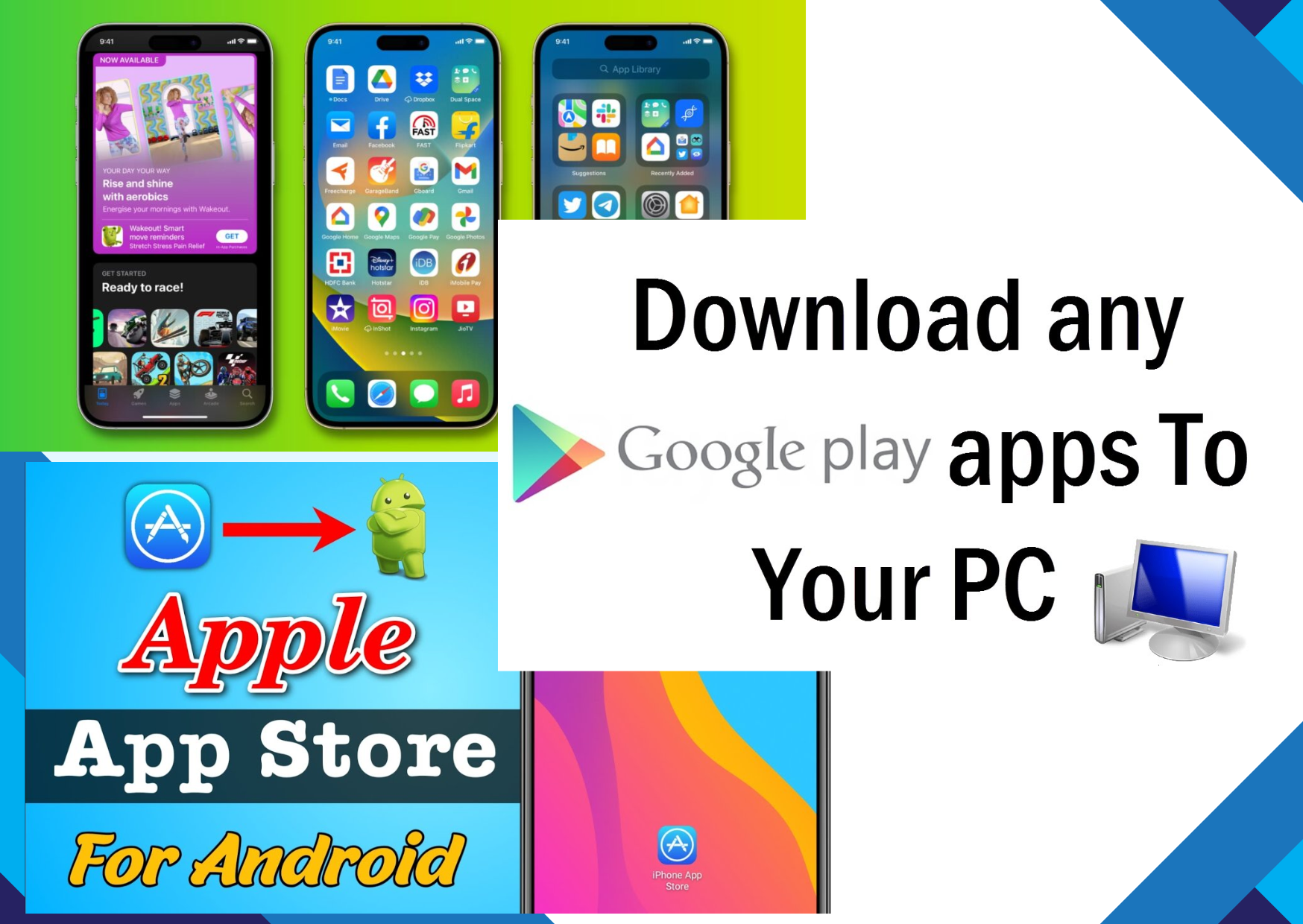

Downloading apps is a simple process that usually involves using your device’s official app store, such as the Google Play Store on Android or the App Store on iPhone, to find, download, and install apps safely and securely.
Open Google Play Store: Find the icon on your screen or in your list of apps and tap it.
Sign In: Use your Google account to sign in. If you haven’t signed in yet, your device will prompt you to do so.
Search for an App: Type in the name of the app or a category you’re interested in.
Select the App: Tap the one you want, and take a look at its rating, read some reviews, and check what it asks to access.
Install the App: Hit the green Install button. Your device will handle the rest.
Open and Use: After it installs, tap Open, or just find the icon in your apps and launch it from there.
Open App Store: Tap the icon on your home screen to launch it.
Sign In: Log in using your Apple ID or make a new one if you haven’t already.
Find an App: Use the search tab to look up the kind of app or the name you’re after.
Download the App: Tap Get for free apps or the price tag for paid ones. Your phone might ask for your Face ID, Touch ID, or password.
Install and Open: Once it downloads, it installs automatically. Tap Open or launch it from your home screen.
Use the Microsoft Store on Windows or the Mac App Store on macOS to browse and get apps. If the app isn’t in the store, visit the developer’s website, download the installer, and follow the instructions that pop up.
SUMMARY
- Stick to Official Stores: Google Play Store and Apple App Store are generally safer than third-party sites.
- Check Reviews & Ratings: A quick look at other users’ experiences can tell you a lot.
- Beware of Permissions: If an app asks for access to things it doesn’t need, be cautious.
- Keep Your Apps Updated: Updates improve performance and patch security issues.
- Avoid Unknown Sources: Unless you know exactly what you’re doing, it’s best to avoid downloading from unfamiliar websites.
- Use Wi-Fi when downloading big apps to save your mobile data.
- Make sure your device has storage available before trying to install something large.
- Delete apps you don’t use anymore to keep your device running better.
Following these steps will help you download, install, and safely use apps on your smartphone, tablet, or computer easily and securely.




















thanks for your idea this stores it is important for many peoples to know how to download apps in simple process by using devices official apps store such as google play store on android conglatration go ahead